 DIATwin
MACHINEPILOT TRAINING KIT
One introduction. Four complete scenarios.
Five learning units · 88 slides per language. Learn to prepare products, configure a machine, check collisions, and simulate.
Start learning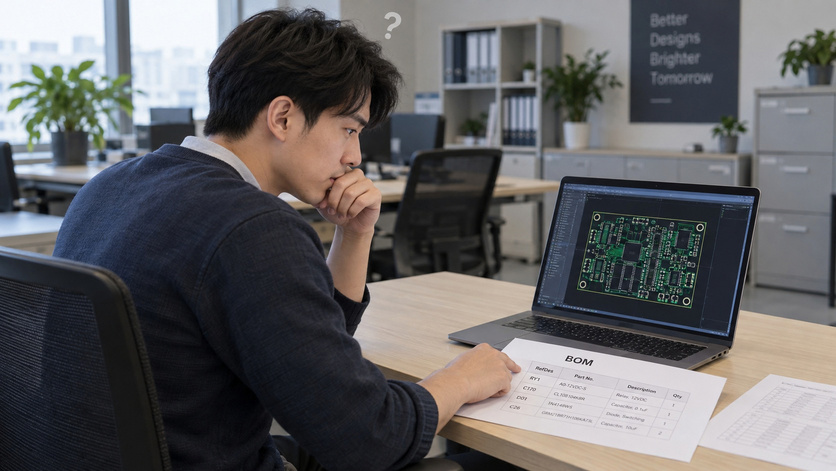
UNIT 00 · 14 slides · pp. 1–14
Introduction and Basic Operations
Explore the workspace, starting data, and course roadmap before preparing products and recipes.
Read this unit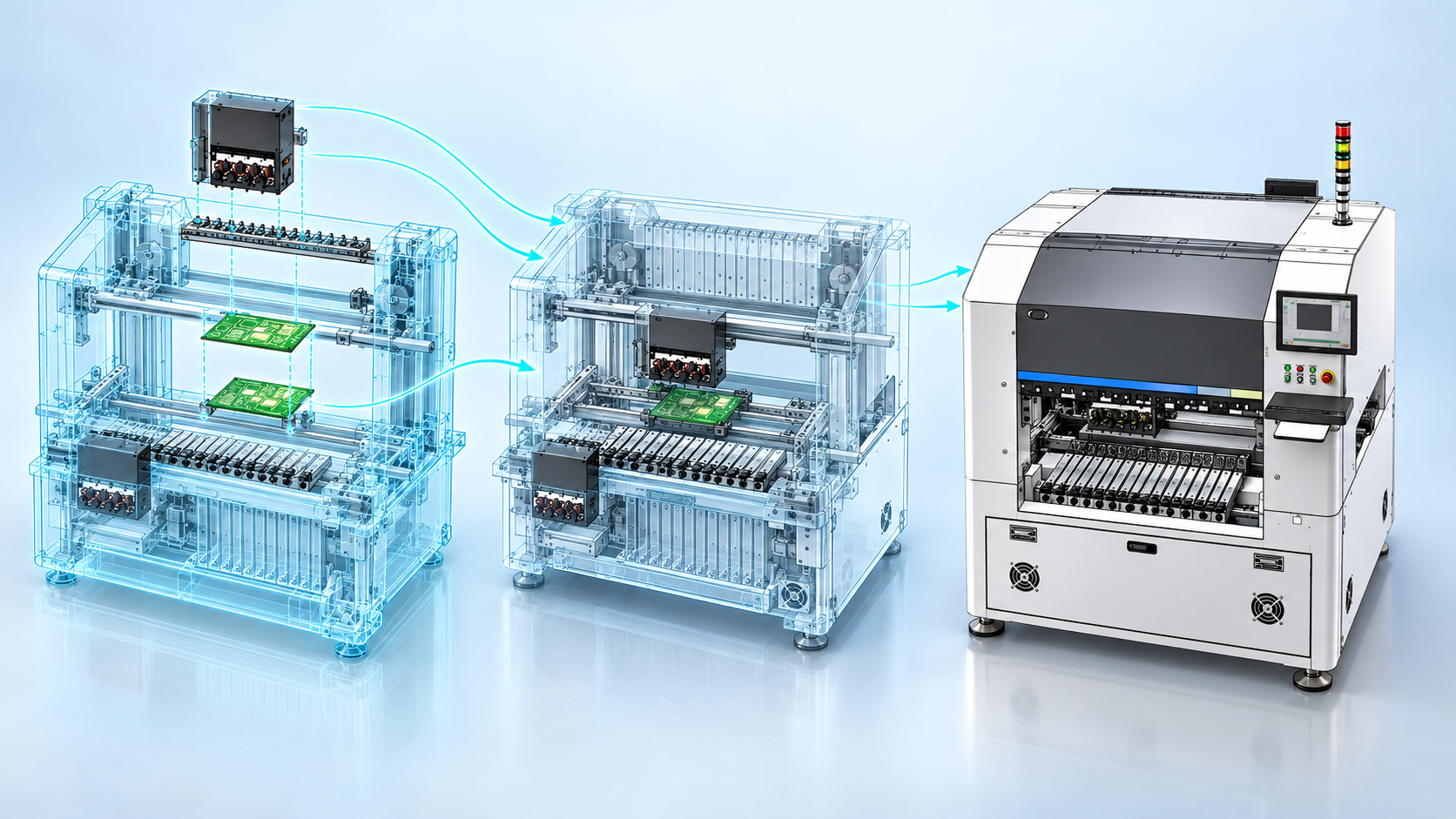
UNIT 01 · 20 slides · pp. 15–34
Scenario 1 | Automatic Single-Board Planning
Annotate a single board from BOM and board data, save the product, configure automatically, check collisions, and simulate.
Read this unit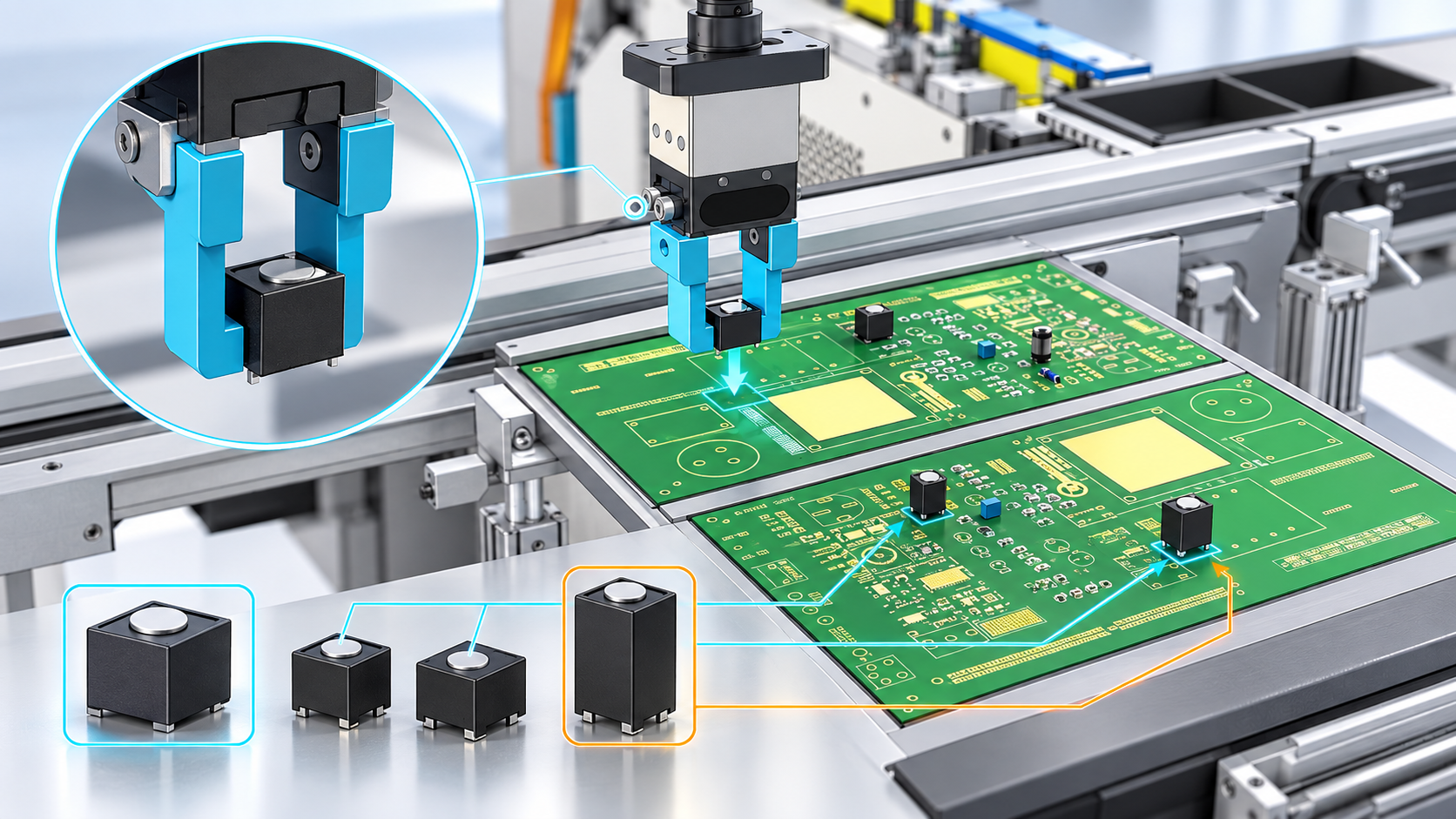
UNIT 02 · 18 slides · pp. 35–52
Scenario 2 | New Part and Front-Side Feeding
Create a new part number with Deep Clone, update product annotations, and restrict feeders to the front of the machine.
Read this unit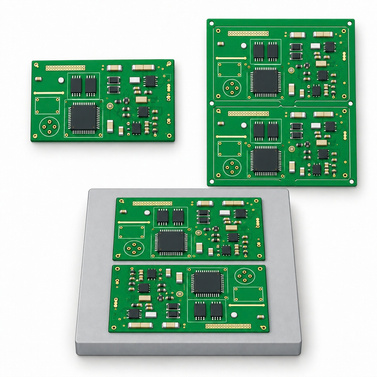
UNIT 03 · 18 slides · pp. 53–70
Scenario 3 | Panel and Specified Configuration
Build a panel from one board and a panel layout. Compare board-by-board and whole-panel planning with a specified machine setup.
Read this unit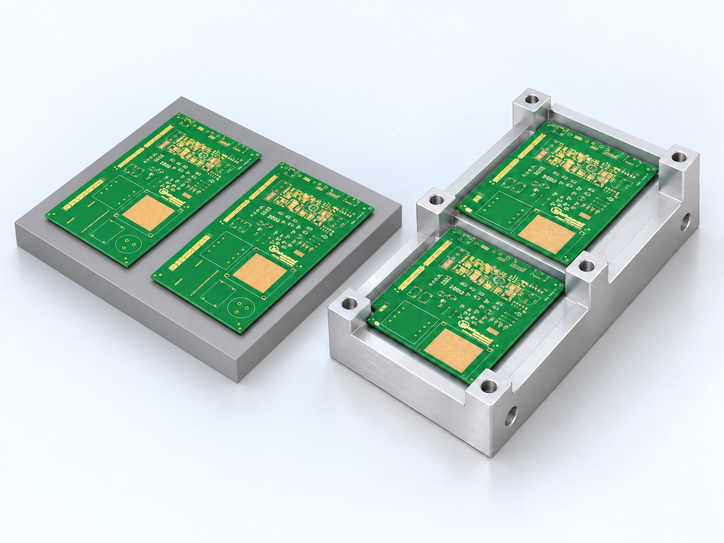
UNIT 04 · 18 slides · pp. 71–88
Scenario 4 | Carrier and Final Exercise
Create carrier products with and without a CAD file, then independently configure, check, and simulate your final project.
Read this unitDOWNLOADS
Download the Training Kit
Choose the complete ZIP package or download an individual PowerPoint file. Each language contains five decks and 88 slides.